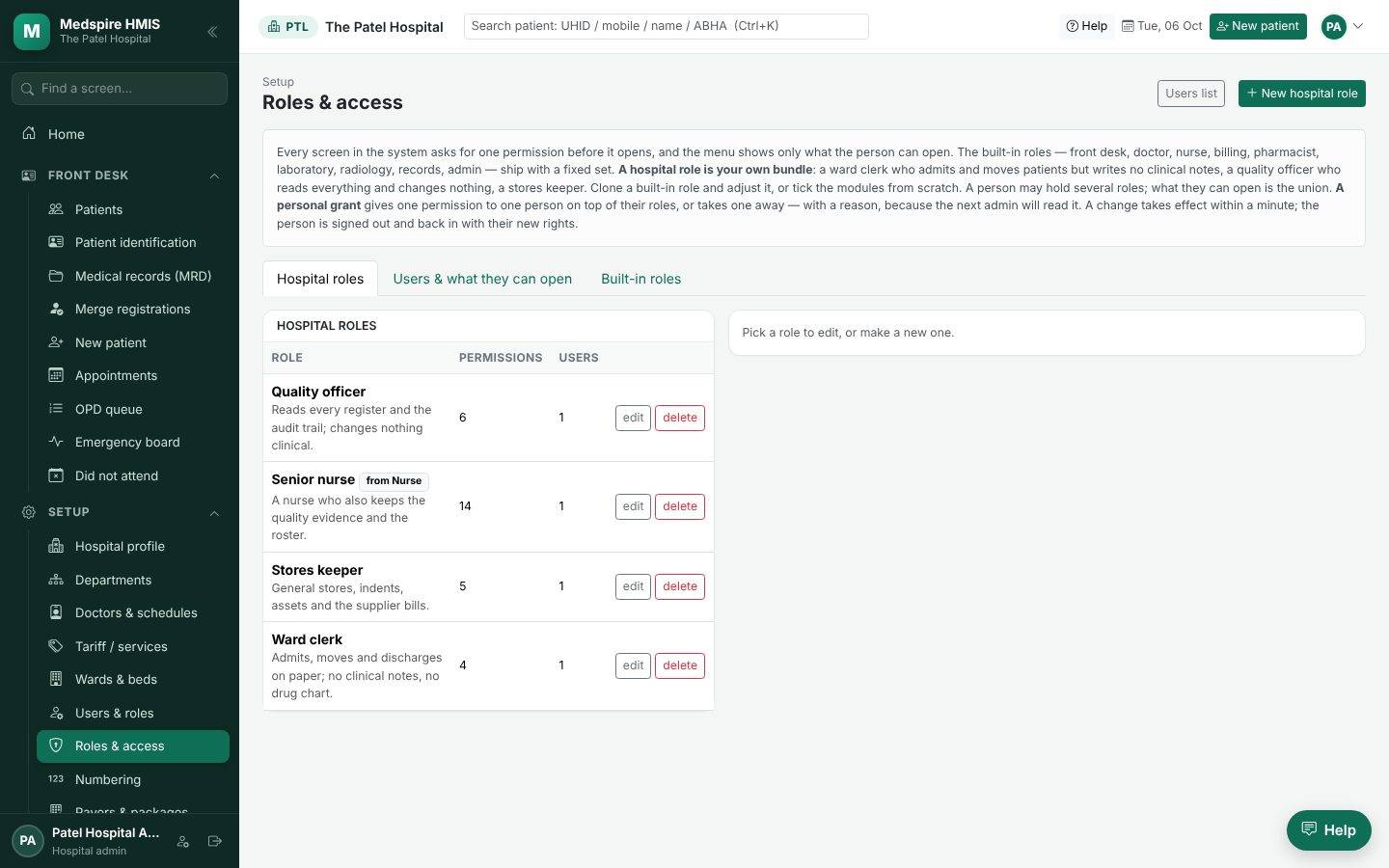
Product › Setup › Roles & access
Roles & access
Hospital-made roles as bundles of permissions, who holds which, one-off grants with a reason, and what each user can open
Why it exists
Every screen asks for one permission and the menu shows only what the person can open — that has been true since Sprint 1 — but the roles were fixed at twelve and a hospital that wanted a ward clerk who admits but writes no notes had to give them Front desk and hope. Now the hospital makes its own bundles, and one person can be given or denied one thing without changing everybody in the role.
In the HMIS: /setup/access